SVG keeps your artwork editable
Choose SVG when the next step is still design. It can store colored shapes, curved paths and strokes, so it is useful for moving a logo or illustration between tools. A filled shape has an interior area. A stroke follows a path with a chosen line width. That distinction matters when artwork becomes manufacturing geometry.
If your source is a PNG logo, use Image to Vector to recover paths you can edit. Inspect the trace before making an export for a supplier. Tiny color fragments that are barely visible on a website can become extra shapes in a drawing.
DXF carries outlines into CAD
Use DXF when a CAD program needs drawing geometry and physical dimensions. For example, a shop may ask for an outline to check the size of a badge or lay out a group of parts. The shape needs a sensible scale, closed contours and clearly defined openings. Measure a known width after importing the file.
If the starting point is an image with a clean silhouette, Image to DXF creates closed polylines. A reflective emblem on transparency is a good case for using the alpha edge. Highlights inside the metal should not become extra cutting lines. The receiving CAD or CAM application is where you review the geometry and set the actual manufacturing operation.
STL describes a solid surface for 3D software
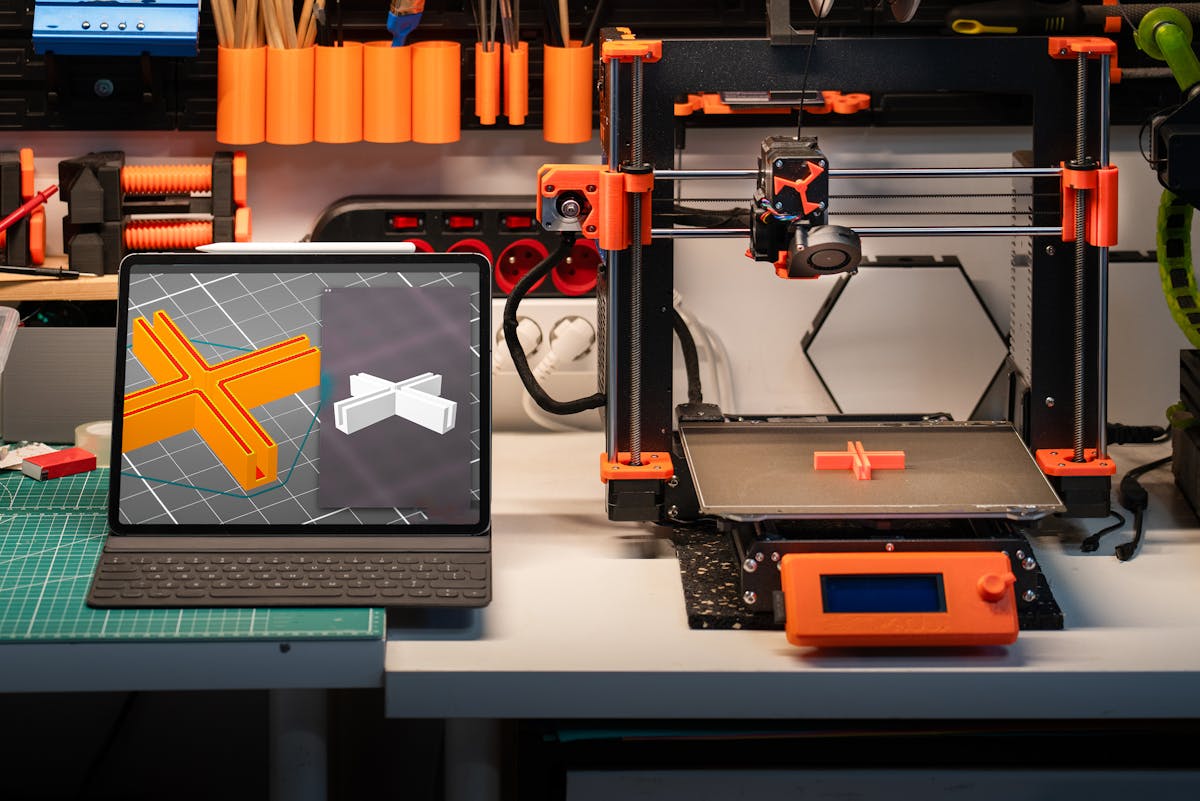
An STL contains triangles that describe the surface of a 3D model. If you want to make a flat nameplate, you can give its 2D outline a uniform thickness. For vector artwork, use SVG to STL with filled shapes and outlined lettering. The resulting model follows the occupied area of the drawing.
A letter dot separated from its stem can become a separate solid. Inspect the component count and thickness before slicing. If everything needs to print as one piece, design a connecting base or bridges. Confirm the intended units after import because STL coordinates do not carry a standard unit label.
Follow the destination software
Keep an editable SVG for design changes, a DXF for the outline a CAD operator needs, and an STL for the surface a slicer expects. Before sending any of them, open the exact exported file in the next application and check its dimensions, holes and separate pieces. That last check catches more than choosing a format by its name.